Zelda Tears of the Kingdom Setup on Android Devices with Snapdragon 8 Gen2
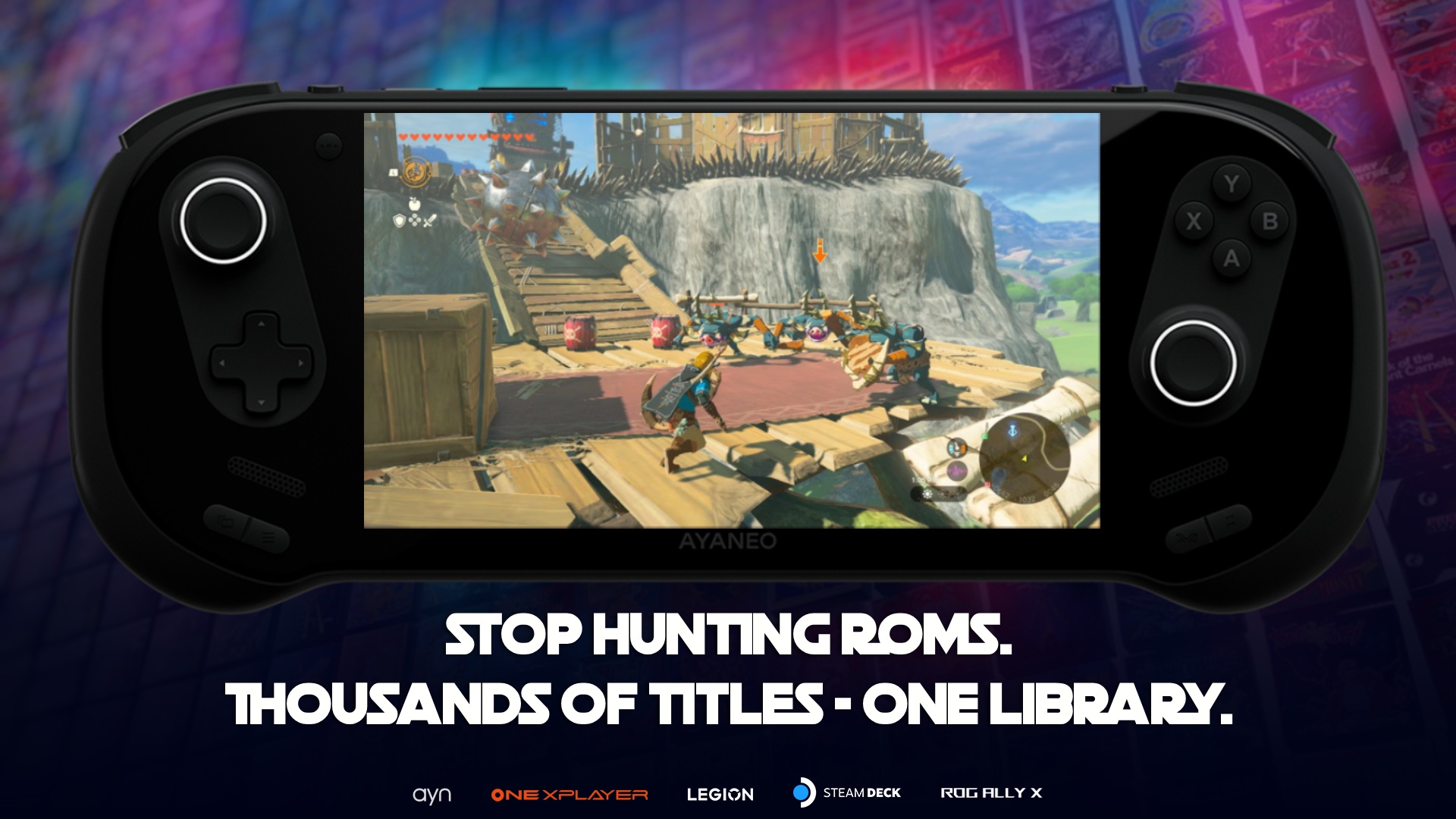
Setting up Zelda Tears of the Kingdom (TOTK) to run smoothly on an Android device can feel like a daunting task, especially with all the different emulator configurations and driver options out there. But fear not, fellow retro gaming enthusiasts! Here’s my journey to achieving a stable 30FPS gaming experience on my Odin 2 Portal with Snapdragon 8 Gen2.
</figure>The Quest for Stability
When I first set out to play TOTK on my Android device, I was met with a rollercoaster of frame rates: 18 FPS, 22 FPS, and occasional spikes to 30 FPS. It was far from the stable experience I was hoping for. Despite testing numerous combinations of emulators and drivers, nothing seemed to work consistently.
My Device Specs:
- Device: Odin 2 Portal
- RAM: 12GB
- CPU: Snapdragon 8 Gen 2
Common Challenges & Mistakes
In my trials, I found several common pitfalls:
- Driver Mismatches: Many recommended Turnip drivers excel in various games but fall short with TOTK.
- Shader Compilation Drops: Even with the right setup, expect minor FPS drops during shader compilation.
- Graphical Glitches: Some textures may still display minor glitches, but these are generally non-disruptive.
The Winning Combination
After extensive testing, I found the perfect combination:
- Eden Nightly Build: This emulator version provided the stability I was after.
- Turnip Mesa v26 R4: This driver perfectly complemented the Eden build, smoothing out gameplay to nearly constant 30FPS.
The difference was immediate and impressive. While you might still notice slight FPS drops during shader compilation, these are brief and barely noticeable during actual gameplay.
How to Implement This Setup
- Download Eden Nightly Build: Ensure you have the latest version compatible with Snapdragon 8 Gen2.
- Install Turnip Mesa v26 R4: Make sure to uninstall any previous driver versions to avoid conflicts.
- Configure Emulator Settings: Optimize your settings based on your device’s capabilities, focusing on balancing performance and quality.
- Test & Tweak: Run the game and adjust settings as needed to maintain stability.
Troubleshooting Tips
- Frame Rate Drops: If you experience persistent drops, double-check driver configurations and update your emulator.
- Graphical Issues: Minor glitches can often be fixed by adjusting texture filtering settings.
- Game Crashes: Ensure your device’s firmware is up-to-date and consider re-installing the emulator if crashes persist.
Final Thoughts
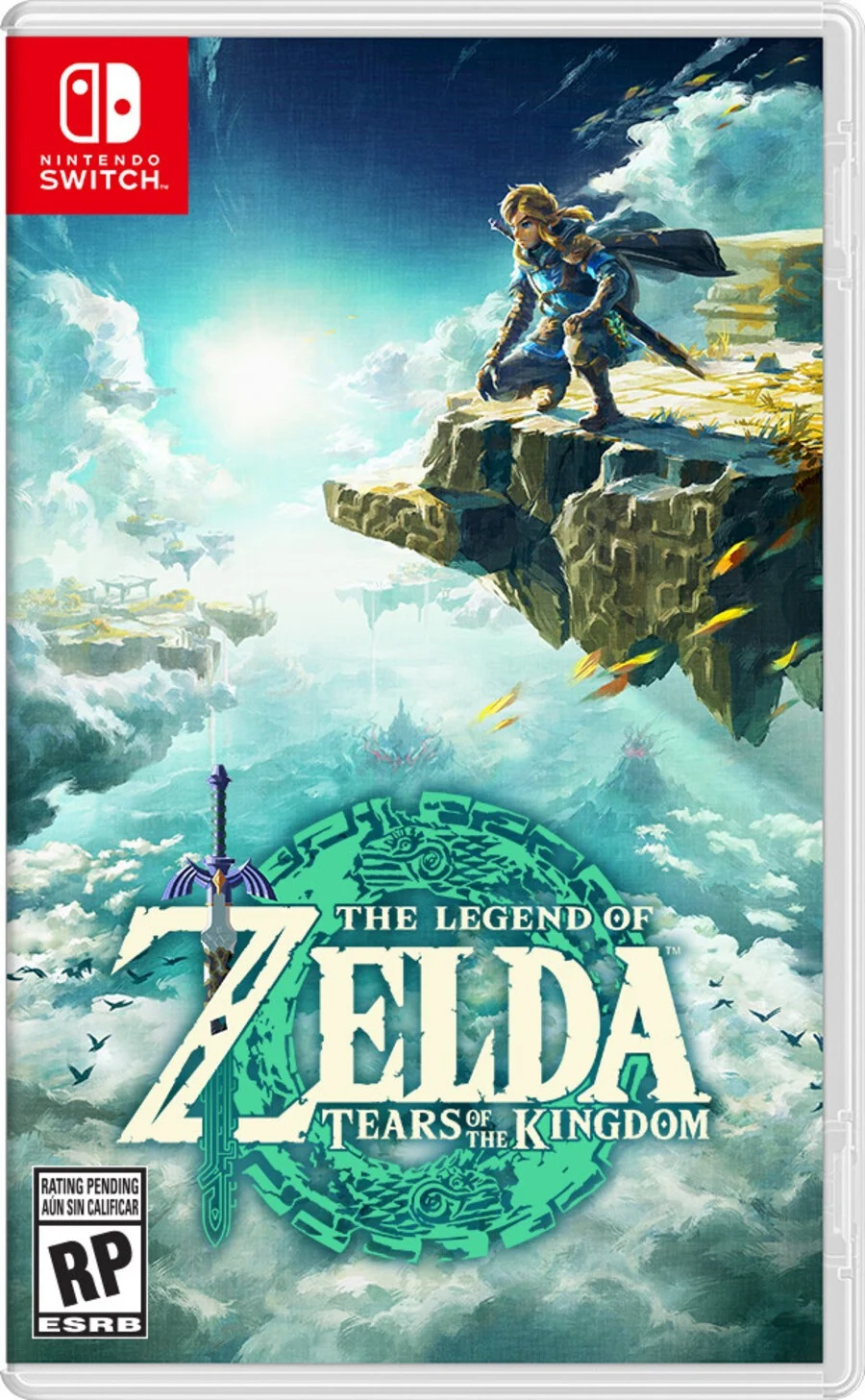
Playing Zelda Tears of the Kingdom at a stable 30FPS on an Android device like the Odin 2 Portal is not only possible but immensely satisfying once you find the right setup. The combination of the Eden Nightly Build and Turnip Mesa v26 R4 has proven to be the magic formula for me.
If you're struggling with your own setup, remember that Retrogrados Gaming offers pre-configured libraries and emulators (https://totkandroid.retrogradosgaming.com/), which could save you a lot of trial and error. Happy gaming, and may your Hyrule adventures be smooth and stable!