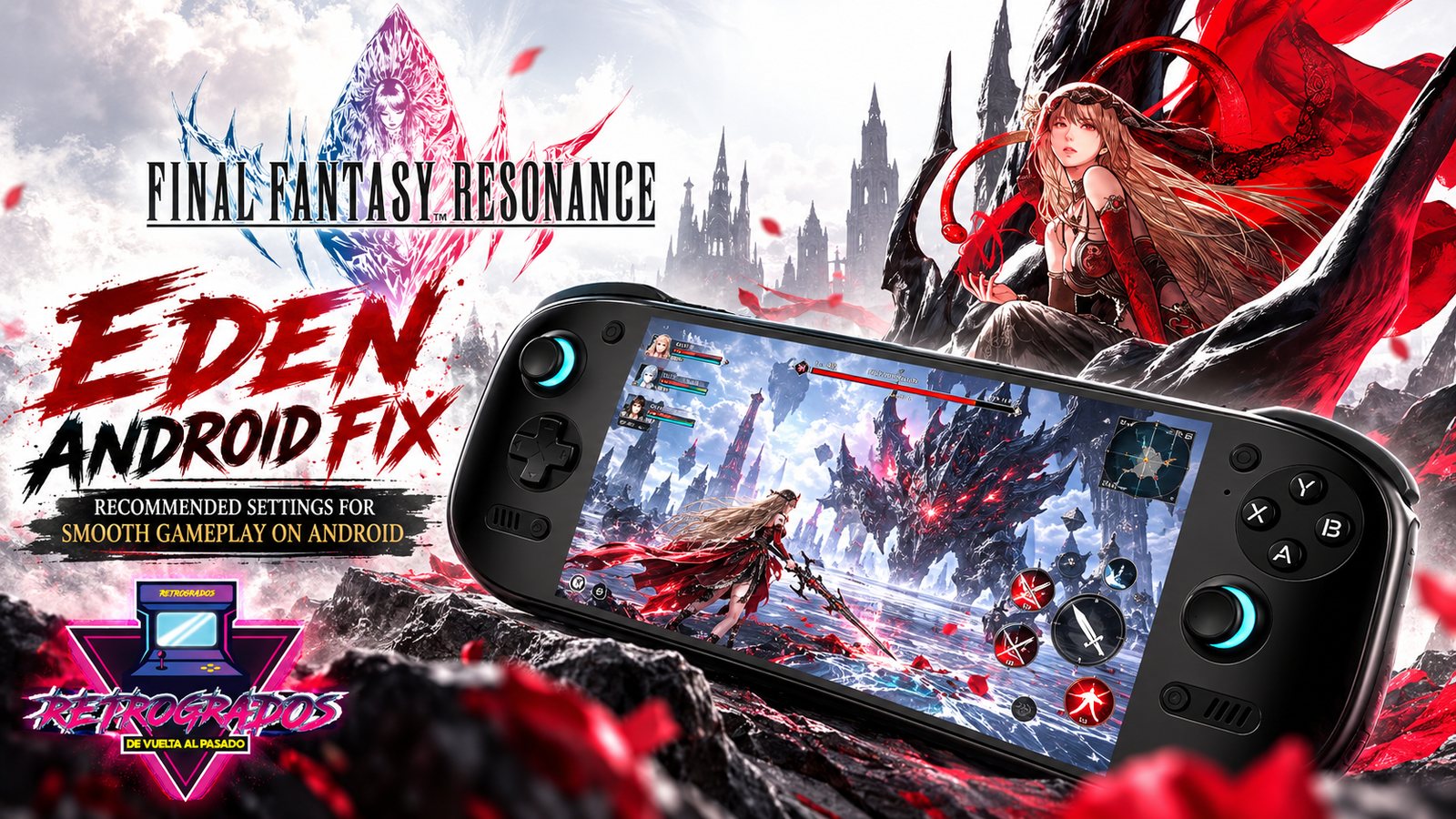
Final Fantasy Resonance Android Fix: Best Eden Settings for Flickering, Graphics Issues and Crashes
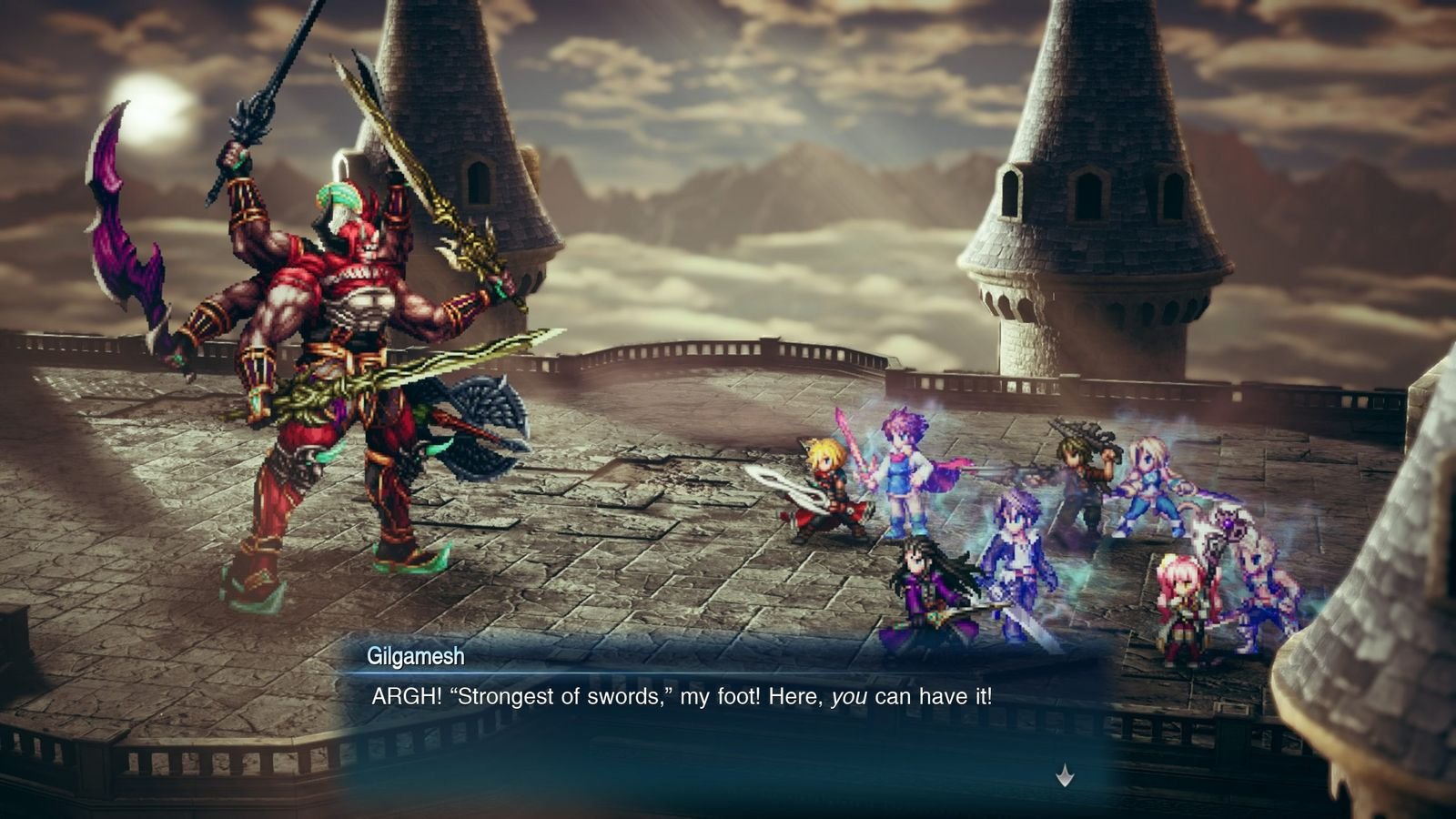
If you're diving into the world of Final Fantasy Resonance on your Android device using the Eden emulator, chances are you might have encountered some frustrating issues like screen flickering, graphical glitches, or even random crashes. You’re not alone in this battle.
The good news is that after fiddling with a variety of settings and configurations, I stumbled upon a combination that significantly enhances the gameplay experience. By tweaking the Eden settings and utilizing the Mr. Purple T26 Turnip driver, I managed to eliminate major graphical issues and improve the overall stability of the game. In this guide, I’ll walk you through the exact settings I used, so you can enjoy a smoother gaming experience on your Android handheld.
Recommended Eden Android Settings for Final Fantasy Resonance
After extensive testing, here are the optimal Eden settings that should address most of the issues you’re facing:
- GPU Driver: Mr. Purple T26 / PurpleVK T26
- Console Mode: Docked
- CPU Clocks / CPU Overclock: Boost
- VSync Mode: Mailbox
- GPU Mode: Accurate
- DMA Accuracy: Safe
- Sync Memory Operations: ON
- Disk Shader Cache: ON
- Enable Reactive Flushing: ON
- Enable Buffer History: ON
- Optimized Vertex Buffers: ON
- Enable Legacy Rescale Pass: ON
- Enable asynchronous shader compilation: ON
- Extended Dynamic State: 3 / EDS3
- Vertex Input Dynamic State: ON
These settings have been tested to fix flickering, graphical corruption, and instability, resulting in a cleaner and more stable gaming experience.
</figure>Understanding the Settings
GPU Driver: Mr. Purple T26 / PurpleVK T26
The Mr. Purple T26 driver is a game-changer for Android devices with Snapdragon/Adreno GPUs. It enhances compatibility with the Vulkan API, which is crucial for running Final Fantasy Resonance smoothly.
Console Mode: Docked
Setting the console mode to Docked helps in stabilizing the frame rates and provides consistent performance, emulating the power of a docked console setup.
CPU Clocks / CPU Overclock: Boost
Using the Boost option for CPU clocks will push your device to perform at its best, particularly helpful for games that demand more processing power.
VSync Mode: Mailbox
Mailbox VSync mode reduces screen tearing and flickering by syncing the frame rate with the screen's refresh rate effectively.
GPU Mode: Accurate
Switching to Accurate GPU Mode ensures that all graphical details are rendered correctly, minimizing visual glitches.
DMA Accuracy: Safe
Keeping DMA Accuracy on Safe mode strikes a balance between performance and precision, ensuring stable gameplay without compromising too much on speed.
Additional Tips
- Sync Memory Operations: Having this ON ensures that all memory operations are properly synchronized, reducing the chance of crashes.
- Enable Buffer History: This option helps in maintaining a history of rendered frames which can be useful for troubleshooting graphical issues.
- Optimized Vertex Buffers: Improves vertex processing efficiency, which can help in rendering complex scenes more smoothly.
Caveats and Considerations
While these settings are a strong starting point, performance can vary depending on factors like your specific Android device, its GPU, the version of the Eden emulator you’re using, and the graphics driver installed. It’s essential to treat this configuration as a baseline and adjust according to your device's response.
Some users might find that despite these tweaks, certain issues persist. In such cases, gradually adjust individual settings and test the results.
Conclusion
Tackling the graphical issues in Final Fantasy Resonance on Android doesn’t have to be a Herculean task. With the right settings, your journey through this epic game can be as smooth as intended. If you find the process of adjusting settings cumbersome, consider exploring pre-configured gaming libraries like those offered by Retrogrados Gaming, which simplify the entire setup, ensuring you're always ready to dive into your favorite retro adventures without a hitch.