Eden Nightly with Lossless Scaling on Android: Play Everything at 60FPS and More
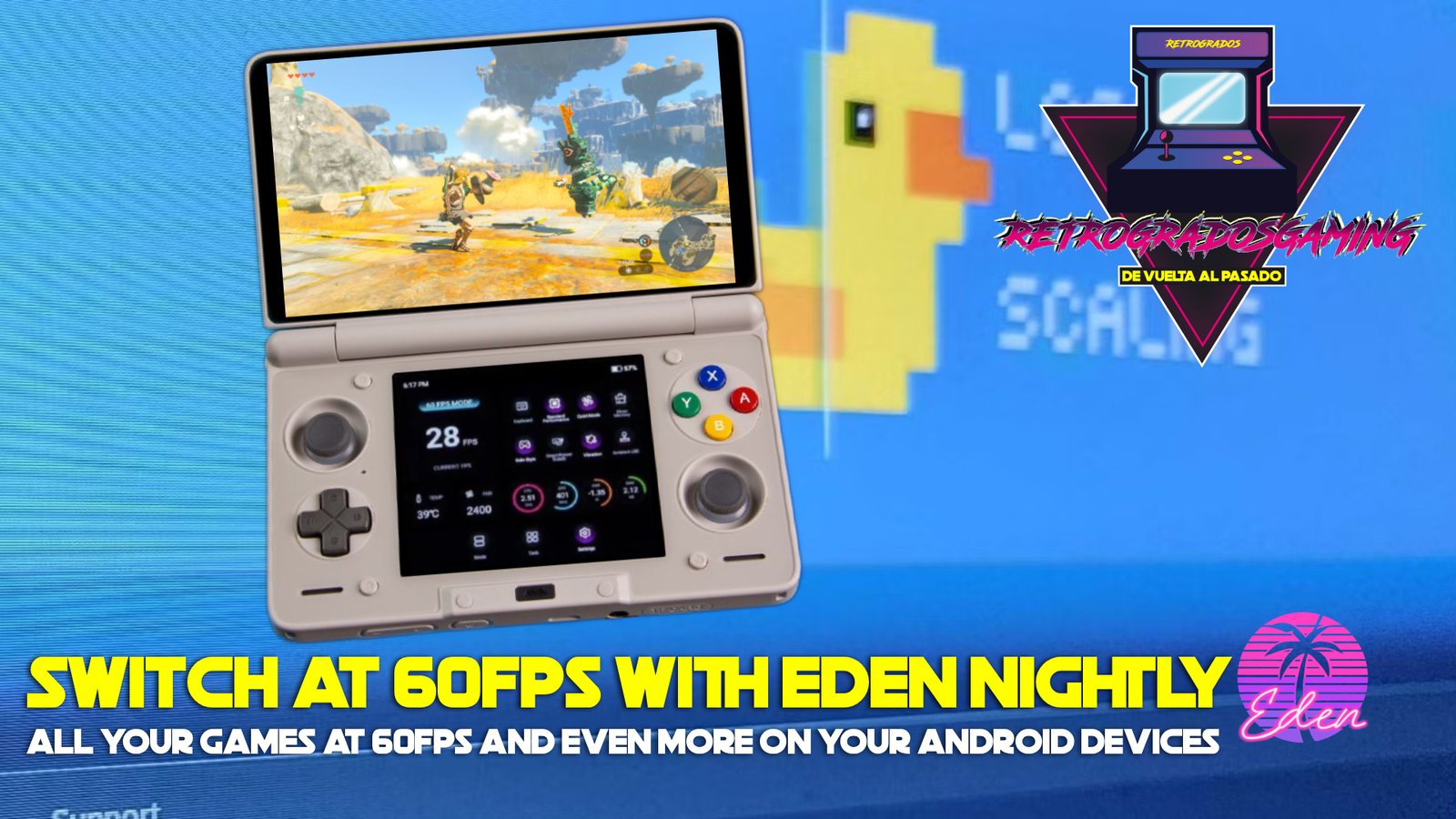
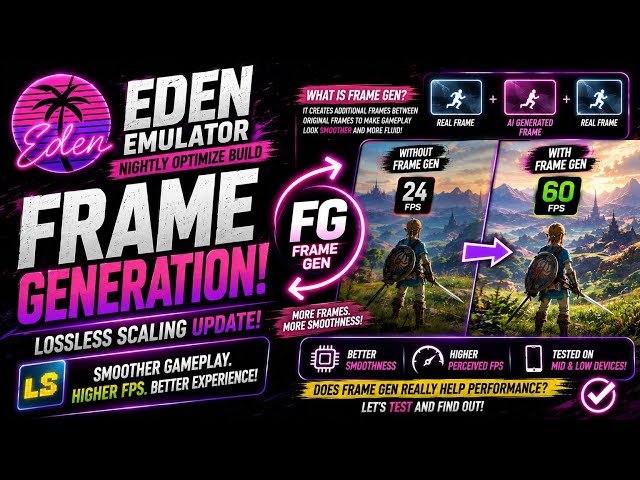
If you’re anything like me, the idea of playing Zelda BOTW or Zelda TOTK at 60FPS on your Android device probably sounds like a dream come true. Imagine the smoothness of a Switch 2 right in the palm of your hand. While it might sound mad, it’s now possible by applying lossless scaling to your Eden nightly build. Let’s dive into how you can boost your performance and frame rate like never before.
Understanding Lossless Scaling in Eden Nightly
Lossless scaling is a game-changer for those looking to enhance their emulation experience on Android. It allows you to increase performance without sacrificing quality. By integrating the Lossless.dll file from the official PC application into the Eden emulator, you can achieve a seamless 60FPS gameplay.
Why Lossless Scaling?
- Improved Frame Rates: Experience steadier frame rates, making games smoother.
- Enhanced Visuals: Enjoy sharper graphics without the usual performance trade-offs.
- Versatility: Works across various games and platforms supported by the Eden emulator.
Prerequisites & Setup Steps
Before you can enjoy these benefits, you need to set up lossless scaling in your Eden emulator. Here’s how:
- Get the File: Obtain the Lossless.dll file from the official Lossless Scaling application installed on your PC. You can find it in the installation directory.
- Use a Compatible Version: Ensure you are running an Eden Nightly build that supports this feature.
- Import the DLL: Open Eden, navigate to the main settings or general settings section, go to "Lossless Scaling" settings and import/install the Lossless.dll file.
- Enable Per-Game: Go to the custom settings menu for your specific game inside Eden, and turn on the Lossless Scaling (Frame Generation) option before launching.
- Performance Tip: For the best results, use it with games that already maintain a stable base framerate (such as a steady 30 FPS) so the frame generation functions smoothly.
For our users, you can get the lossless.dll from this link: Lossless.dll Download.
</figure>Real-world Performance Boosts
Zelda BOTW and TOTK
Both Zelda BOTW and Zelda TOTK are notorious for pushing hardware to its limits. With lossless scaling, you can now enjoy these games at a buttery smooth 60FPS on your Android device. Here are some tips to maximize performance:
- Stable Base Framerate: Ensure that the base framerate is stable before enabling lossless scaling for the most effective boost.
- Device Compatibility: While many Android devices can benefit, performance might vary based on hardware specs.
Other Compatible Games
The benefits of lossless scaling are not limited to just one or two games. It works with all variety of titles, enhancing the overall emulation experience:
- Racing Games: Enjoy fluid motion and faster response times.
- Action RPGs: Experience less stuttering and smoother transitions.
Common Mistakes and How to Avoid Them
- Not Using a Supported Eden Version: Ensure that you have the correct nightly build installed. Older versions might not support the Lossless.dll.
- Incorrect DLL Placement: Double-check that the Lossless.dll file is correctly imported into the emulator settings.
- Overlooking Game-Specific Settings: Remember to enable the lossless scaling option within each game’s custom settings.
Conclusion
For retro gaming enthusiasts and emulation hobbyists, harnessing the power of lossless scaling within the Eden emulator is a game-changer. Whether you're delving into the vast landscapes of Zelda BOTW or enjoying other classics, the performance boost is undeniable. While setting this up might seem complex, the results are worth it. And for those looking to simplify the setup process further, consider exploring pre-configured libraries from resources like Retrogrados Gaming. These solutions take the guesswork out of configuration, allowing you to focus solely on your gaming adventures.