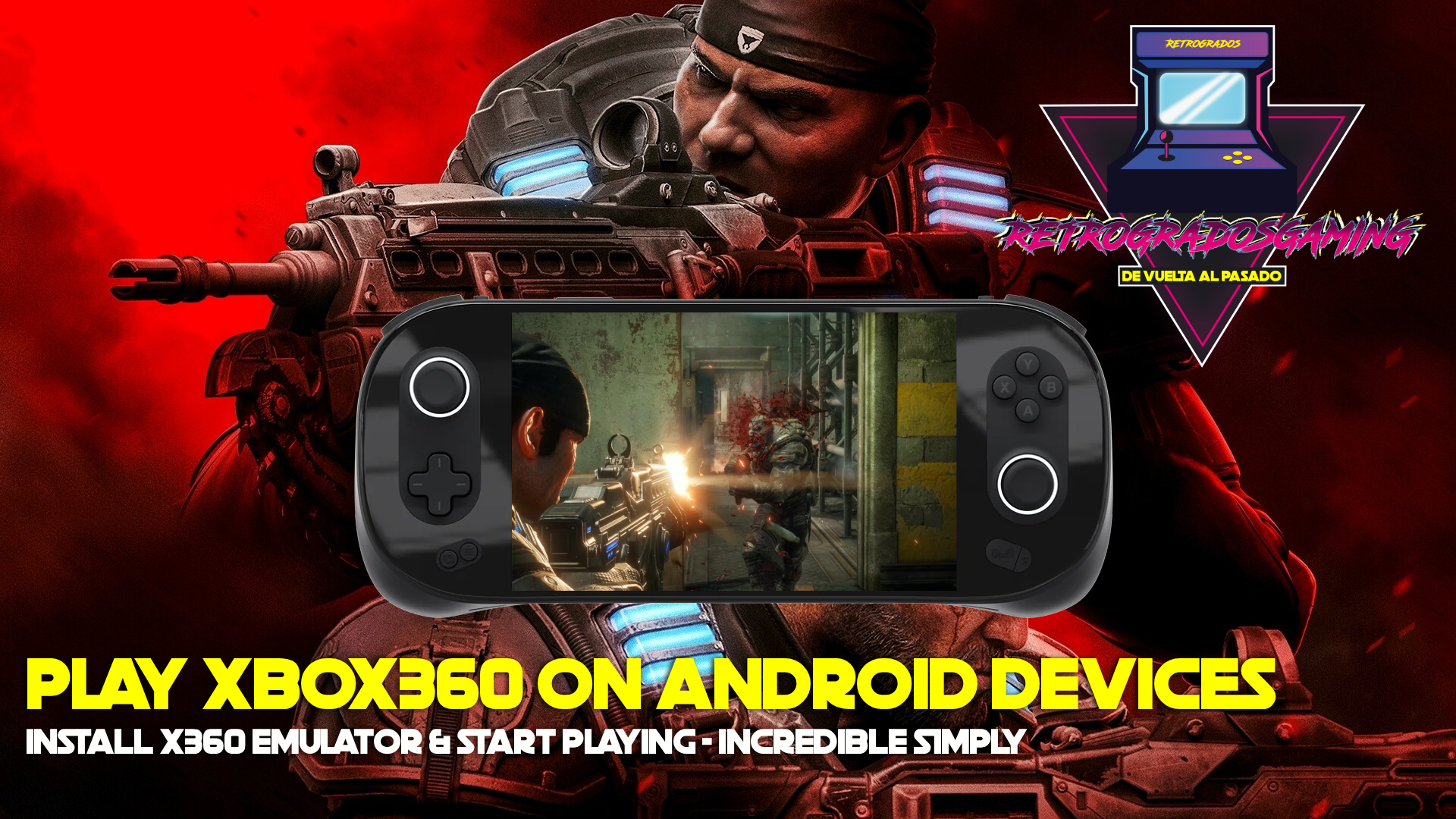
XBOX360 on your Android Devices I have Tested on a Odin 2 Portal and runs Great!
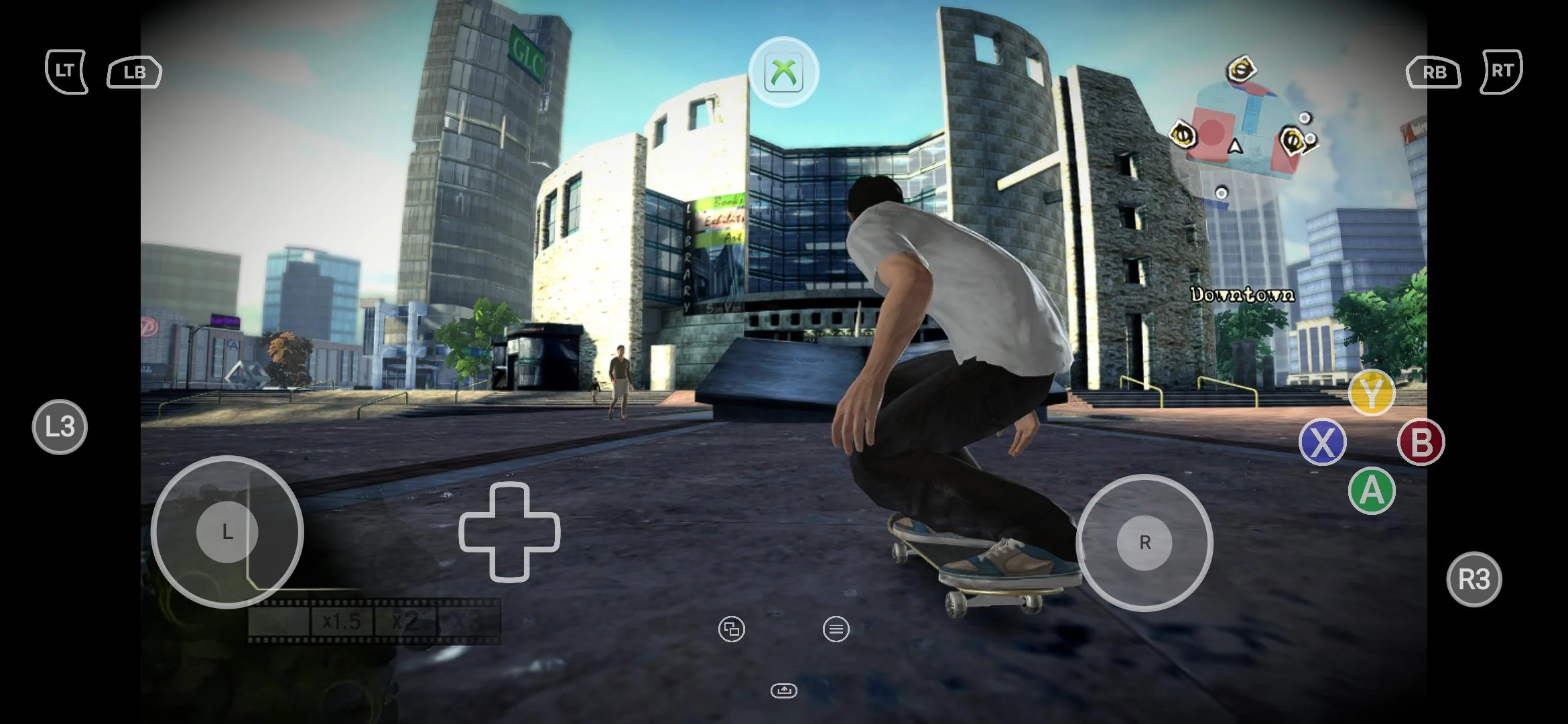
Xbox 360 gaming is finally making its way to Android devices, and it's a game-changer for retro gaming enthusiasts. With the help of X360 Mobile, you can now emulate Xbox 360 games directly on your smartphone or tablet. I recently tested this on the Odin 2 Portal, and the results were impressive.
Why X360 Mobile is a Game Changer
X360 Mobile is an exciting development in the world of Android emulation. It allows you to enjoy many classic Xbox 360 titles without the need for a separate console. The emulator supports Vulkan 1.3 devices, which enhances performance significantly. This means more games run smoothly, with fewer graphical glitches or slowdowns.
Simple Setup
One of the standout features of X360 Mobile is its simplicity. There's no need for a BIOS, which often complicates setup for other emulators. Just download the emulator, configure a compatible driver, and start playing. This ease of use makes it accessible to both seasoned emulation hobbyists and newcomers alike.
</figure>Growing Compatibility
The compatibility list for X360 Mobile is continuously expanding, allowing more games to be played with each update. This is crucial for gamers who want to revisit their favorite Xbox 360 titles on the go. Whether you're a fan of action-packed adventures or intricate role-playing games, there's likely something for you.
Running X360 Mobile on the Odin 2 Portal
Testing the X360 Mobile emulator on the Odin 2 Portal has been a fantastic experience. The device's robust hardware and large screen make it an ideal choice for mobile gaming. Here's how I set it up:
-
Download the Emulator: You can find the X360 Mobile emulator on Google Drive or check out the developer's GitHub for the latest releases.
-
Install and Configure: Once downloaded, install the emulator on your Odin 2 Portal. Make sure to configure the controls and settings to match your preferences. This step is crucial for ensuring smooth gameplay.
-
Load Your Games: After setting up the emulator, you can load your Xbox 360 ROMs. If you need a reliable source, Retrogrados Gaming offers a comprehensive Xbox 360 pack.
-
Start Playing: With everything set up, you're ready to dive into your favorite Xbox 360 games, right from your Android device.
Tips for Optimal Performance
Achieving the best performance on X360 Mobile requires a few tweaks:
- Update Regularly: Keep your emulator and games updated to benefit from the latest compatibility improvements and performance boosts.
- Adjust Graphics Settings: Depending on your device's hardware, you may need to tweak graphics settings for optimal performance.
- Use a Gamepad: While touch controls are available, using a compatible gamepad can enhance your gaming experience significantly.
Common Mistakes and How to Avoid Them
- Skipping Device Compatibility Checks: Ensure your Android device supports Vulkan 1.3 for the best experience.
- Ignoring Game Compatibility Lists: Not all games are supported yet, so check compatibility lists to avoid frustration.
- Overlooking Control Configuration: Properly configuring your controls can prevent gameplay issues later on.
Retrogrados Gaming users can access the best Xbox 360 ROM collection here. Please sign in using the same Google account associated with your purchase:
https://drive.google.com/drive/folders/1rMpvk5_qhLuGD103lwOWp99wHmghpL2o?usp=drive_link
If you are not a Retrogados Gaming User, you can get access to more that 170 Xbox360 games here (even more than 200 nowdays):
https://shop.retrogradosgaming.com/product/xbox-360-pack-170/
Conclusion
Bringing Xbox 360 gaming to Android devices with X360 Mobile is a thrilling advancement for gaming enthusiasts. The ease of setup, growing compatibility, and support for modern devices make it a compelling choice. If you want a hassle-free way to enjoy Xbox 360 classics on your smartphone or tablet, consider using a pre-configured library from Retrogrados Gaming. It simplifies the process and lets you focus on what matters most—gaming!