ROG Ally Controls Not Working? How to Switch Back to Gamepad Mode (Fix 2026)
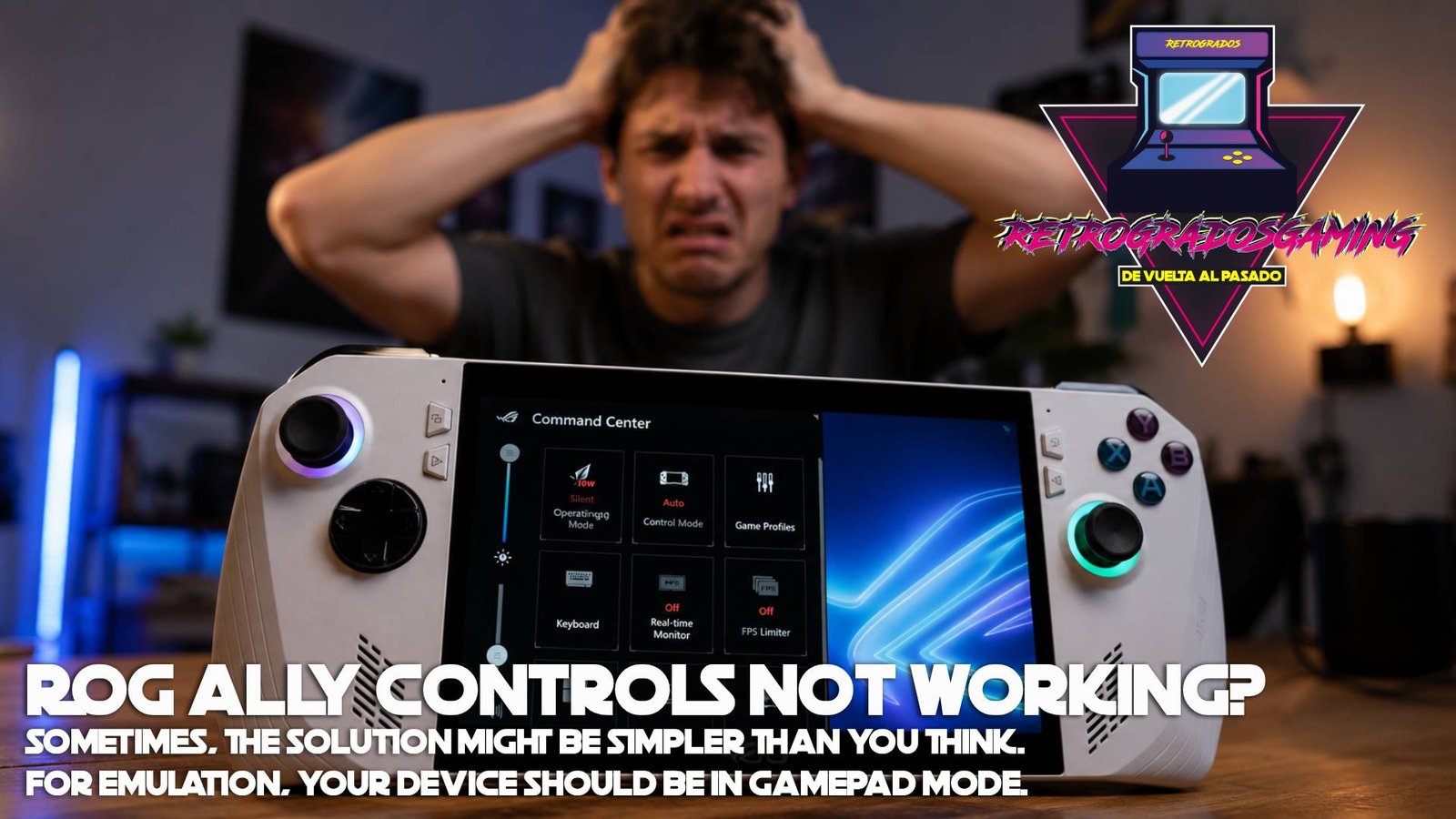
If you're a proud owner of an ROG Ally, it's likely you've encountered a frustrating scenario: your controllers work perfectly with Windows games but suddenly refuse to cooperate when you switch to emulation. You might feel like you're stuck in a gaming nightmare, but fear not—there's a straightforward solution.
The issue often stems from the Control Mode settings on your ROG Ally. To play emulation games seamlessly, you need to ensure your device is set to Gamepad Mode. The ROG Ally offers three modes: Auto, Desktop, and Gamepad. For emulators, Gamepad Mode is essential. Let's dive into how you can switch back to Gamepad Mode and get back to gaming bliss.
Using the Command Center
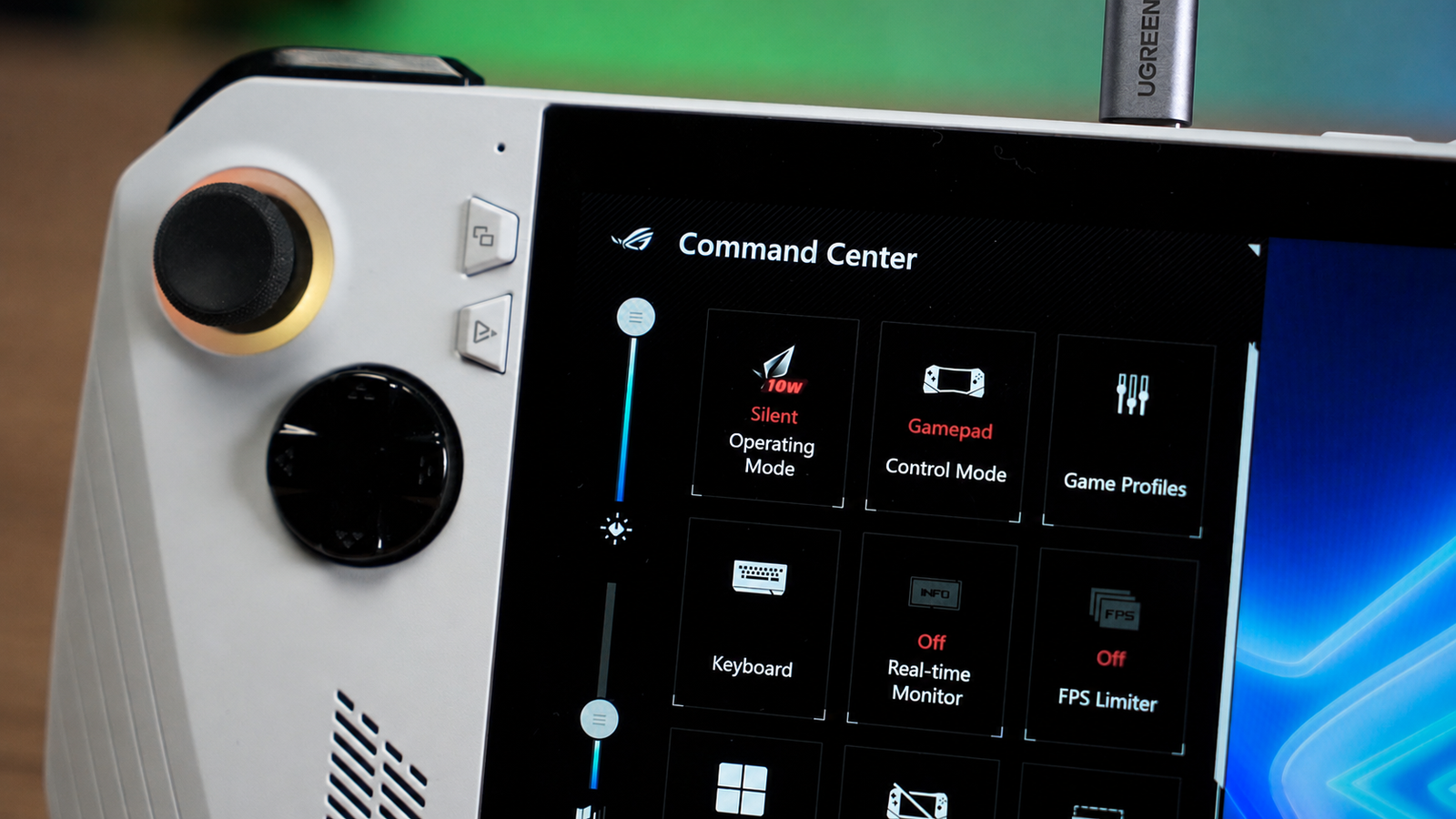
The Command Center on your ROG Ally is your first stop for resolving control issues. Here's how you can quickly switch modes:
- Press the Command Center button on the left side of your screen (the top button with the three lines/squares icon).
- Find the Control Mode tile in the menu.
- Tap or click the tile to switch between Gamepad, Desktop, and Auto modes.
</figure>Using Armoury Crate SE
For a more detailed configuration, Armoury Crate SE provides additional options:
- Open the Armoury Crate SE app using its dedicated button.
- Go to Settings in the top-left corner.
- Select Configure next to Control Mode to adjust button mappings or set the default preferences for Gamepad or Desktop mode.
If after these steps your controls are still unresponsive, it might be worth checking if the Embedded Controller is enabled. This setting can sometimes interfere with the mode settings, leading to unresponsive controls.
Common Mistakes and Tips
- Forgetting to Save Settings: After making changes in Armoury Crate SE, make sure to save your settings. This step is often overlooked, leading to the same issue reappearing.
- Not Updating Firmware: Ensure your ROG Ally's firmware is up to date. Outdated firmware can cause compatibility issues with emulation software.
- Checking Connections: If you're using external controllers via Bluetooth or USB, double-check the connections. Sometimes a simple reconnection can resolve the issue.
How Retrogrados Gaming Can Help
Retrogrados Gaming offers a vast library of pre-configured retro gaming packs that are optimized for handhelds like the ROG Ally. These packs include emulators and frontends that are tested to work seamlessly, reducing the need for manual tweaks and configurations. By having a pre-configured library, many common headaches associated with emulation can be alleviated, allowing you to dive straight into the gaming experience without the technical hassle.
In conclusion, while control issues on the ROG Ally can be a stumbling block, switching back to Gamepad Mode is usually a quick fix. With the right settings and updates, your emulation experience can be as smooth as playing native Windows games. And if you're looking to expand your retro gaming library without the typical setup headaches, Retrogrados Gaming has you covered with their carefully curated packs.