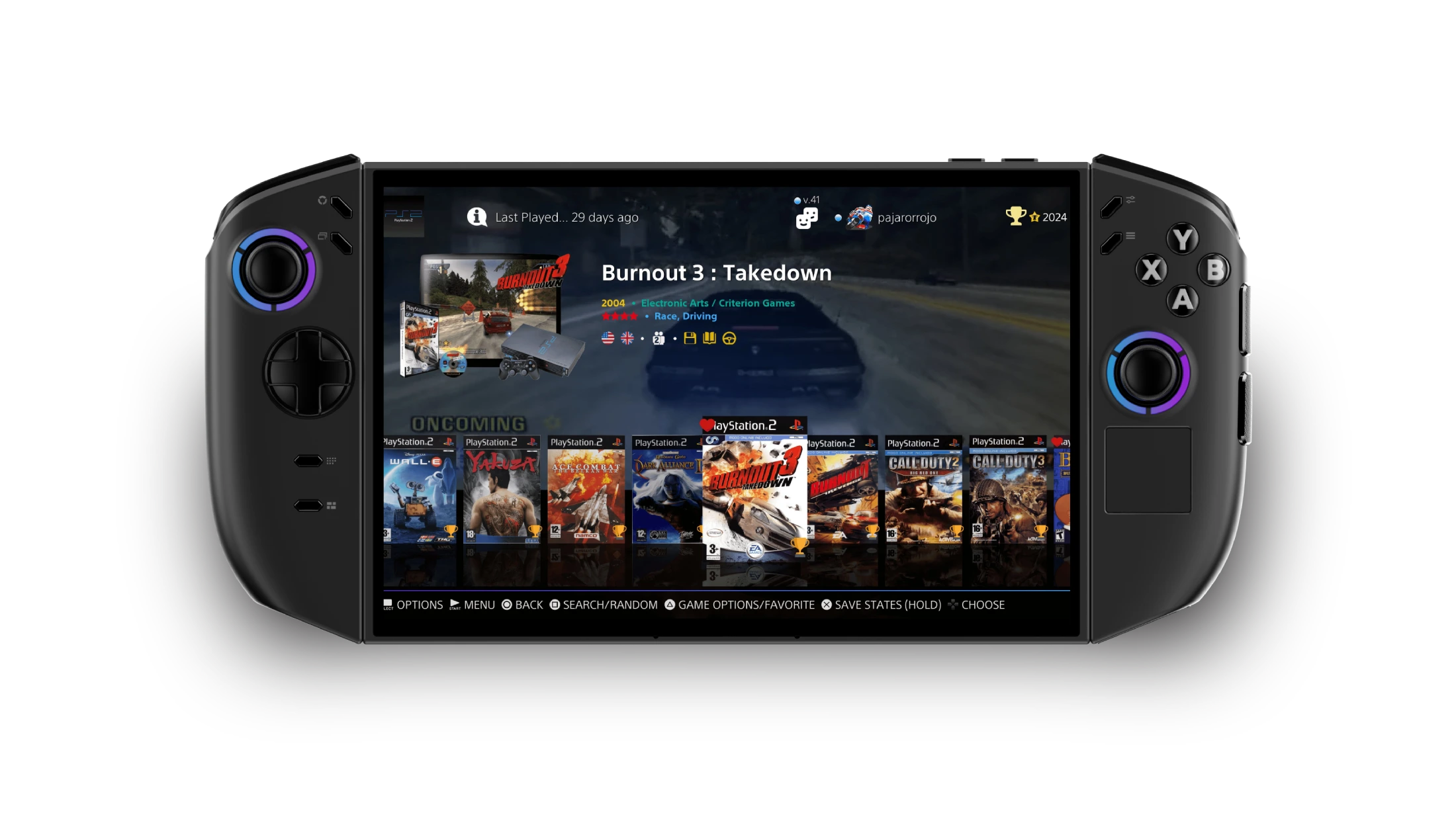
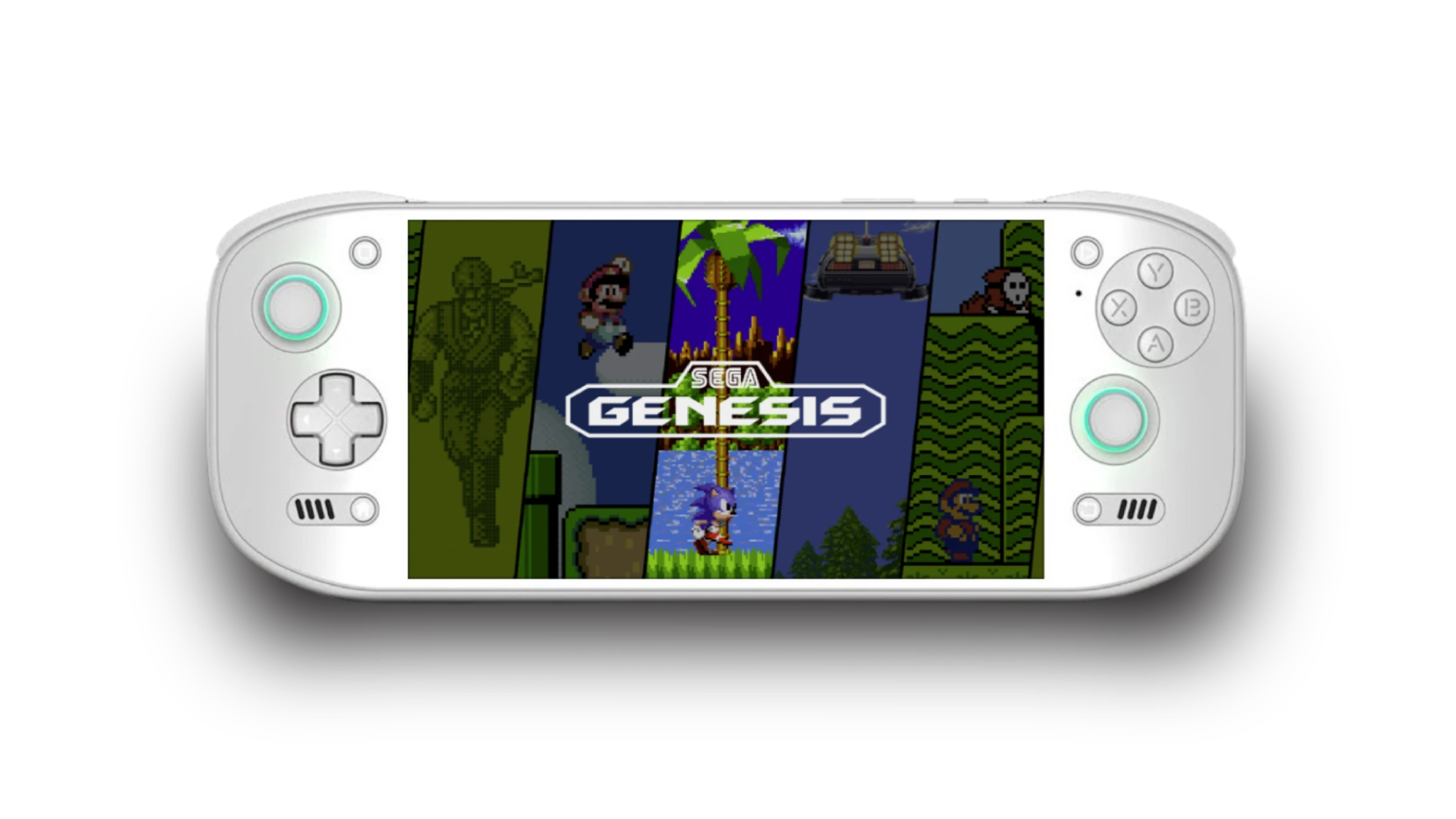
Welcome to our Retro gaming guide, where we dive into the world of nostalgic gameplay with the help of emulation technology. For those looking to relive the glory days of classic video games, emulation offers a way to play beloved titles on modern devices.

From arcade classics like Pac-Man and Donkey Kong to iconic console games like Super Mario 64 and The Legend of Zelda, there is a vast library of retro games waiting to be rediscovered through emulation. But navigating the world of emulation can be a daunting task, with a myriad of options and technical jargon to decipher.

That’s where we comes in, breaking down the basics of emulation, the best emulators for different platforms, and tips for optimizing your retro gaming experience. So grab your controller, dust off your old cartridges, and get ready to embark on a journey through the nostalgic landscape of retro gaming.

Retro Gaming Emulation Explained: A Guide to Nostalgic Gameplay

Table of Contents

Retro Gaming Emulation: What You Need

To start, ensure you have the right emulator software for a smooth gaming experience. Options like RetroArch or Dolphin are available online, allowing players to choose the emulator for the specific console they want to emulate. The next step is finding and adding retro game ROMs, so users can play their favorite titles from systems like Atari, NES, or Sega Genesis.

Configuring controllers to mimic the original gaming experience enhances nostalgia and gameplay satisfaction. By following these steps, gamers can fully immerse themselves in retro gaming emulation and enjoy classic games like never before.

Choosing the Right Emulator Software

RetroArch is versatile, supporting many consoles and easy to use. However, the Dolphin emulator is great for Nintendo GameCube and Wii games, with high compatibility and performance. Choosing the right emulator is important for a smooth gaming experience. Consider factors like compatibility, system requirements, and user interface preferences.

RetroArch is good for a variety of retro games, while Dolphin is best for Nintendo games. In addition to RetroArch and Dolphin, there are other emulator options for specific gaming systems like PCSX2 for PlayStation 2 and MAME for arcade games. Each emulator has unique features, so exploring different options can help you find the right fit for your preferences. Whether you like classic console games or arcade titles, there’s emulator software to recreate the retro gaming experience on modern devices. By researching and trying out different software, you can find the perfect tools to enjoy your favorite retro games with better graphics and controls.

Finding and Adding Retro Game ROMs

Exploring retro gaming through emulation allows players to access favorite old games. They can relive childhood memories or discover gaming history by playing classic titles from systems like the NES, Sega Genesis, or PlayStation 1 on modern devices. Navigating nostalgic gameplay through emulation offers a convenient way to experience vintage gaming magic.

Following a retro gaming emulation guide helps players make the most of their experience. Each step, from choosing the right emulator software to finding and adding game ROMs, is essential for a smooth and authentic journey. Configuring controllers to match original consoles enhances nostalgia, creating an immersive retro gaming experience.

Embracing this guide enables players to enjoy the past while benefiting from modern technology, bridging nostalgia and innovation in the gaming world.

Configuring Controllers for Authentic Gameplay

Many fans prefer using original or replica controllers for a nostalgic gaming experience. Some emulators allow you to customize button mappings to recreate the feel of older games. Configuring controllers for retro gaming emulation varies depending on the software and game you’re using. Make sure your controller is recognized by the emulator and button mappings are correct. Spending time on settings can improve gameplay and make your trip down memory lane more enjoyable.

Enhancing Your Retro Gaming Experience

By using emulator software and choosing specific ROMs, players can enjoy nostalgic gameplay from Atari, NES, and Sega Genesis. Emulation lets gamers replay classic titles on new devices, bringing back memories of old-school gaming. To enhance the retro gaming experience, configuring controllers to mimic the original consoles is key. Whether using classic controllers or modern ones, setting up the right controls can improve gameplay and transport players back to the cherished moments of retro gaming.

articly.ai tag

Step Back in Time with Retrogrados Retro Gaming: Your Ultimate Nostalgia Destination

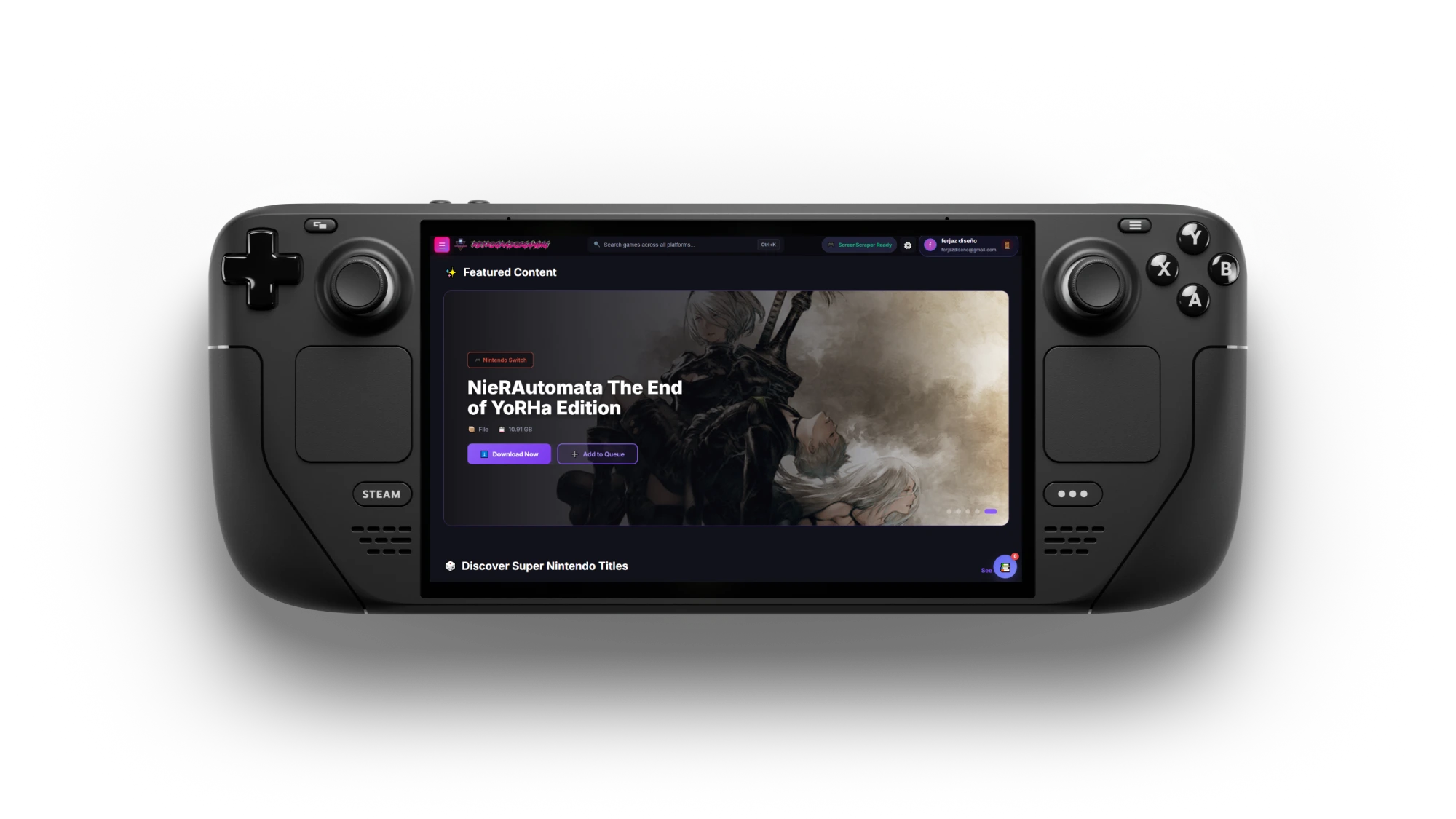
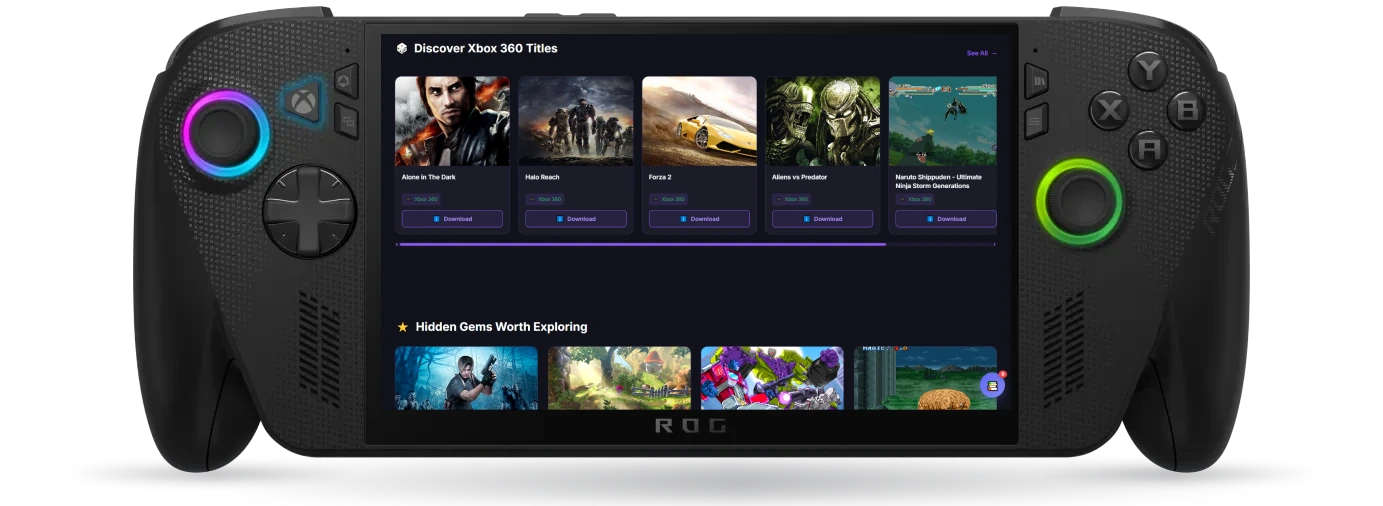
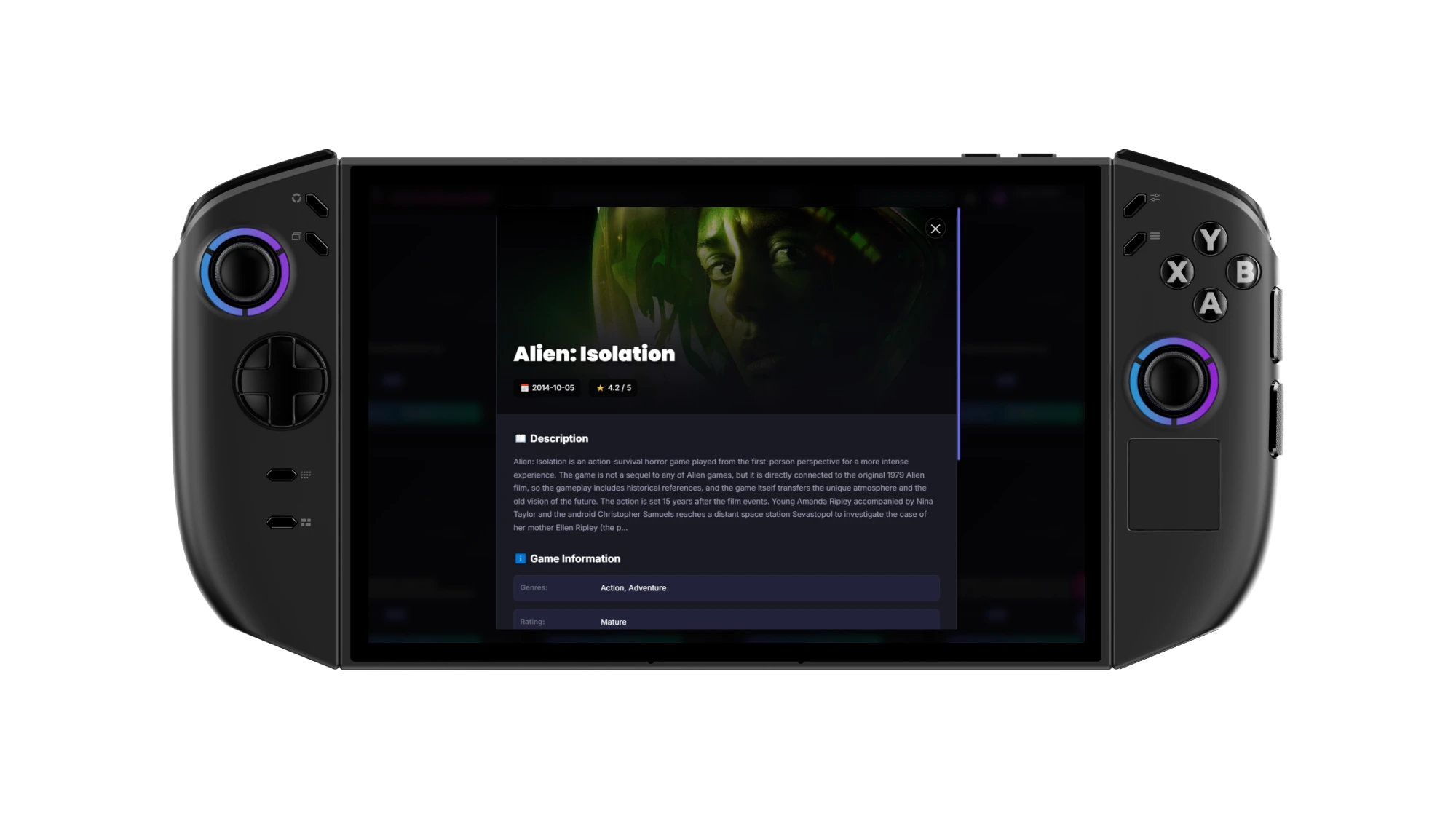
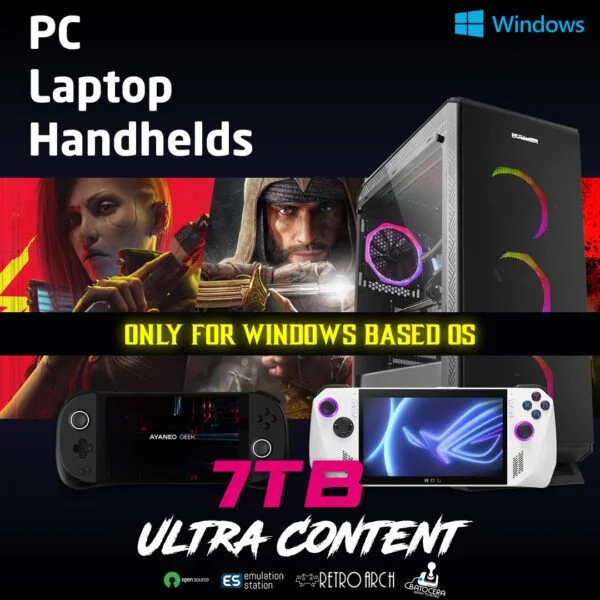
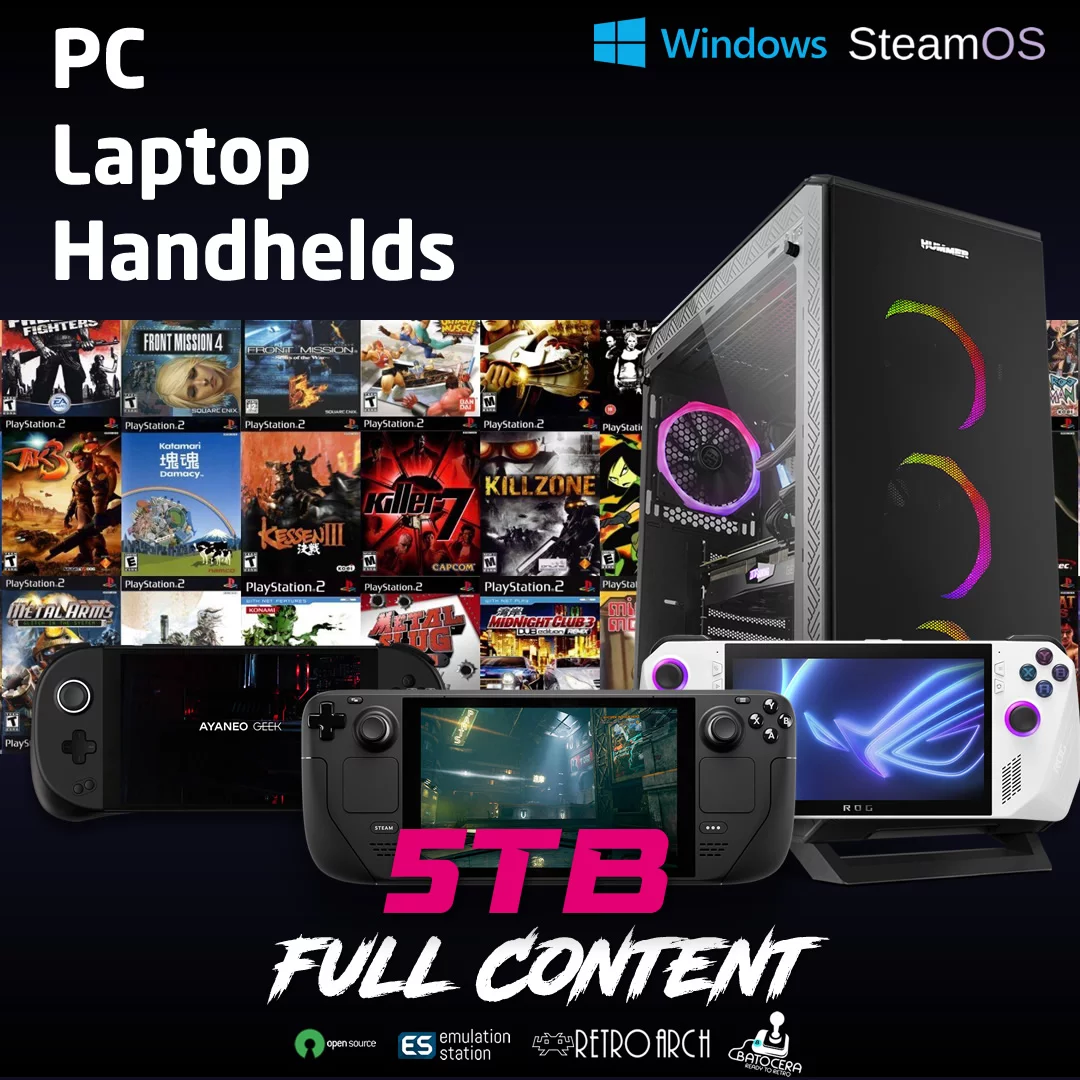
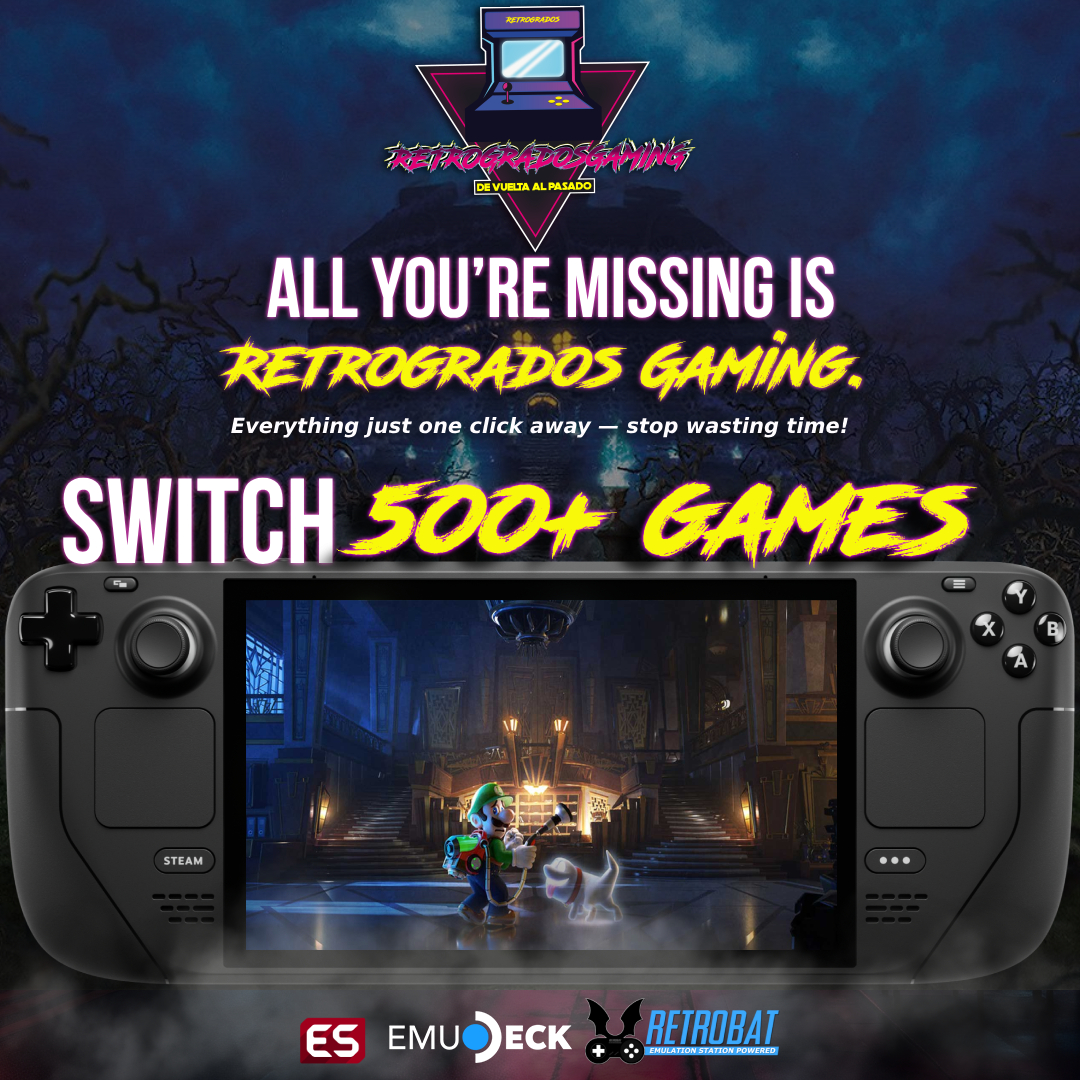
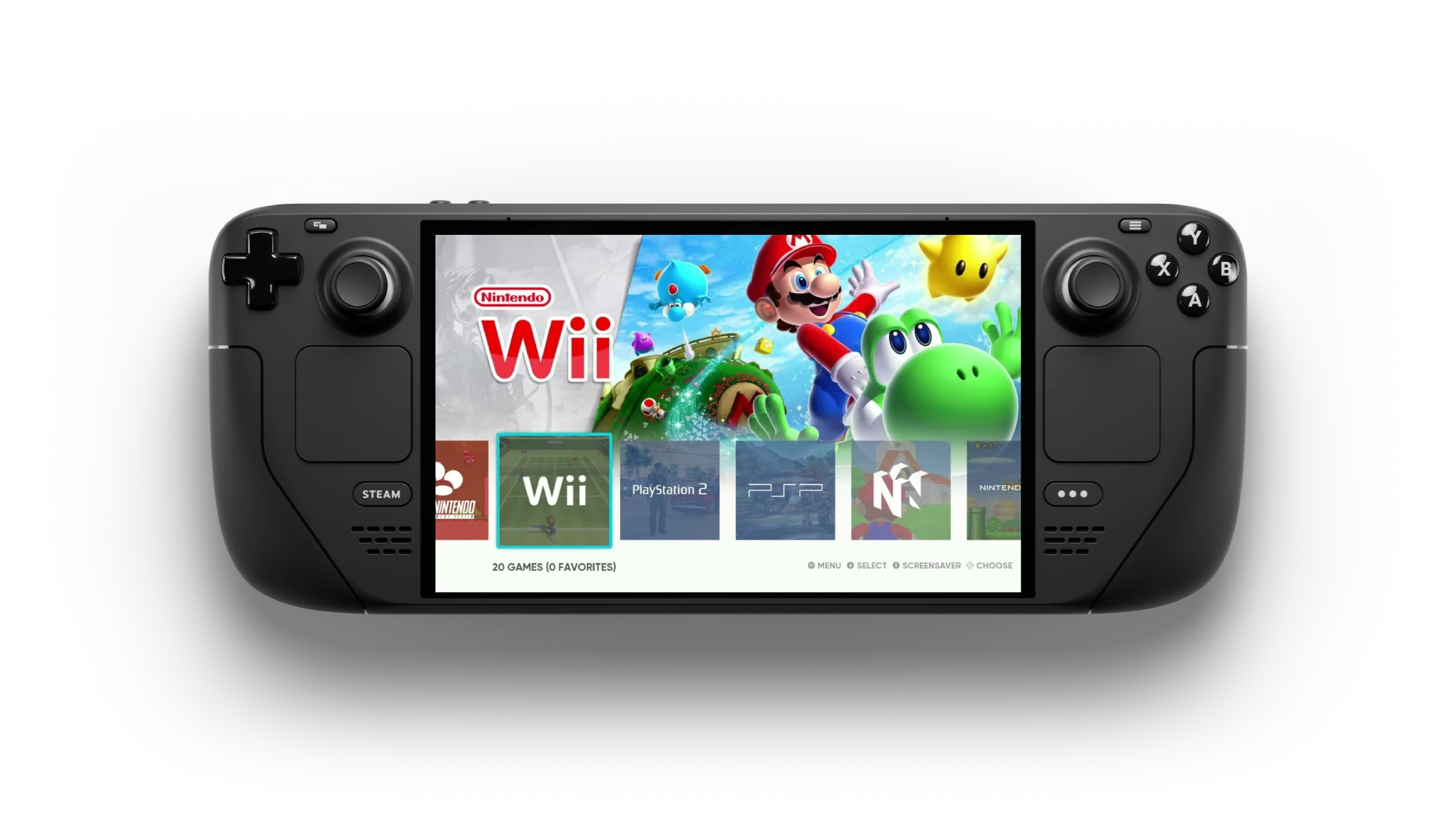
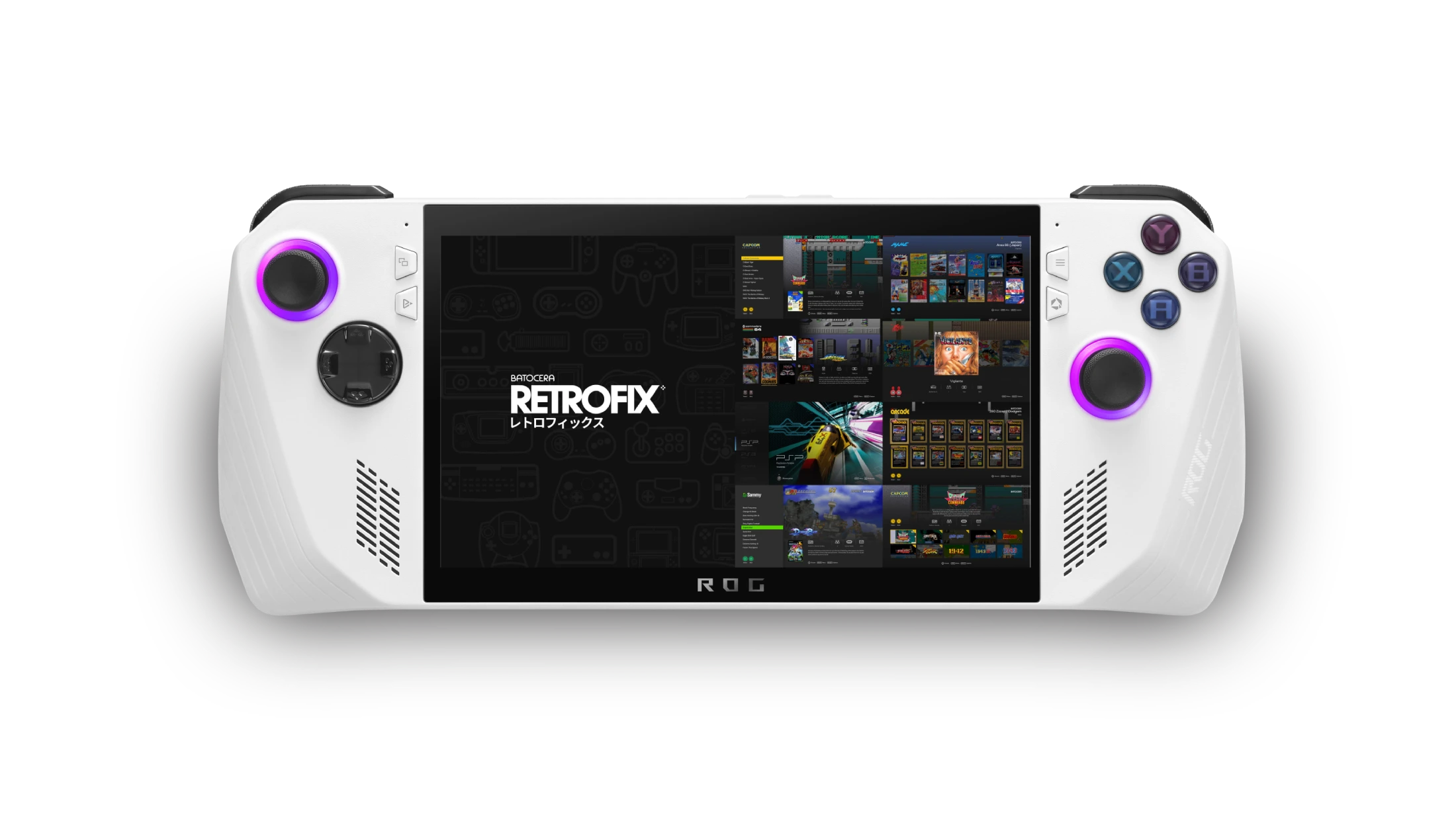
Step back in time with Retrogrados Retro Gaming, your one-stop solution for all things nostalgia. Specializing in emulation for handheld consoles, Steam deck, Asus Rog Ally, Ayaneo, computers, and laptops, we provide the best ROMs content available to transport you to the golden age of gaming.

Imagine reliving your favorite childhood memories with classics like Super Mario Bros., The Legend of Zelda, and Sonic the Hedgehog right at your fingertips.

Our Retro Gaming Emulation Guide will walk you through the process of setting up your device to play these beloved games, ensuring a seamless and immersive experience. Say goodbye to complicated setups and hello to hours of entertainment as you dive into a world of pixelated adventures.

Join us at Retrogrados Retro Gaming and let the nostalgia flow.

Wrap Up

Are you itching to relive your favorite childhood video games? Look no further than our comprehensive Retro Gaming Emulation Guide. Whether you’re a seasoned gamer or new to the scene, this guide has everything you need to start playing classic titles on your modern devices.

Dive deep into the world of emulation and discover the endless possibilities of retro gaming. From NES to PlayStation, we’ve got you covered with step-by-step instructions and expert tips.

So dust off that old controller and get ready to embark on a nostalgic journey through the pixelated landscapes of yesteryear. Embrace the past while moving forward into the future of gaming.

Get ready to press start and let the games begin!

Categories:

Tags:

No responses yet

    Leave a Reply

    Your email address will not be published. Required fields are marked *